What Makes a Spa or Salon Website Actually Book Appointments
Booking a spa or salon visit is a small act of self-care, decided quickly and often on a phone. Here’s what turns that impulse into a booked appointment instead of a closed tab.
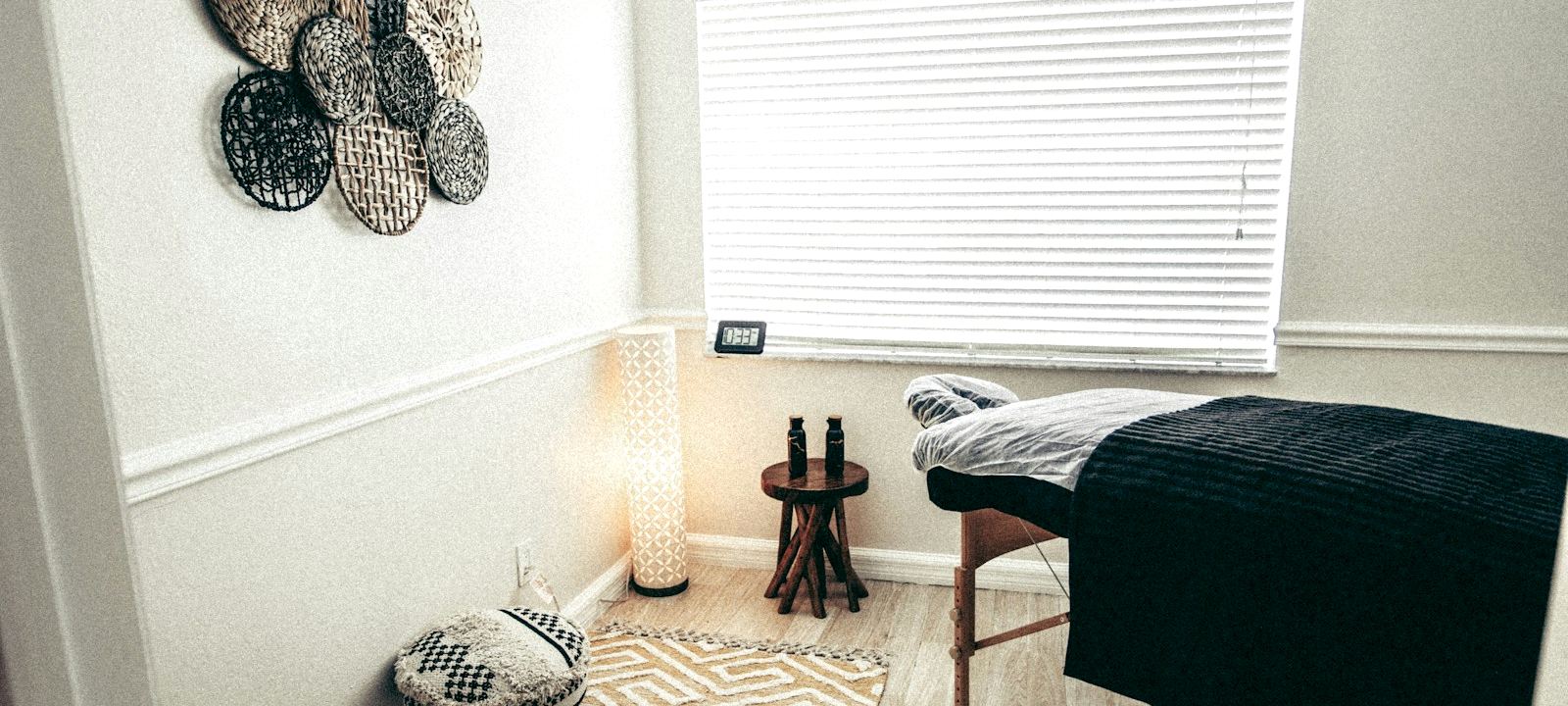
Photo: Unsplash
A spa or salon booking is usually an emotional decision as much as a practical one — a treat, a reset, a bit of self-care. A website that feels calm, looks clean and makes booking effortless supports that decision; one that’s cluttered, slow or confusing works against exactly the mood the business is supposed to create.
The pages a spa or salon site needs
- Home — the mood, the services, and one clear way to book.
- Services & pricing — every treatment, listed clearly with real prices.
- Gallery — real photos of the actual space and work, not stock imagery.
- Booking / contact — the single most important page on the site.
- About / team — who’s doing the work, and why to trust them.
Five pages, kept simple and calm, does more for a spa or salon than a large, busy site ever will.
Booking: what to actually offer
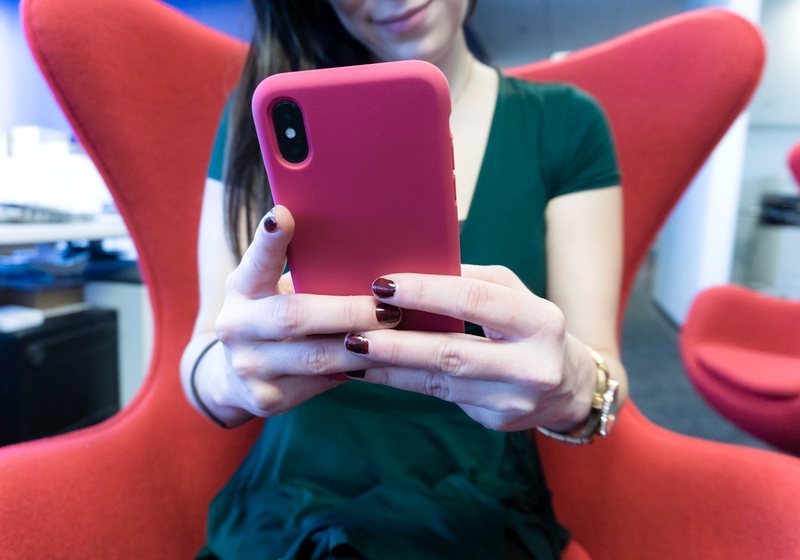
A clear “Book now” button that opens a short request form or a WhatsApp message covers most independent spas and salons well. A live booking calendar showing real-time available slots is a genuinely different, ongoing piece of software — often worth it for a busy multi-stylist salon, less necessary for a smaller studio where a quick message back and forth works just as well. Start with the simple version; add live booking once volume actually justifies the extra cost and maintenance.
Photos that build confidence, not just look nice
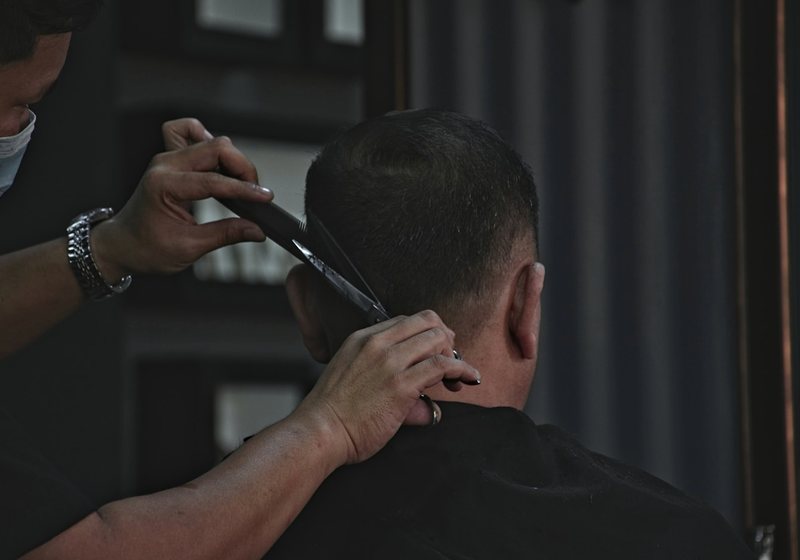
Real photos of the actual space and real examples of the actual work outperform polished stock photography here more than almost anywhere else — a visitor booking a facial or a haircut wants to see the room they’ll actually sit in and the level of work they’ll actually get. If using before/after photos of clients, always get their explicit permission before publishing — it’s the basic courtesy the relationship depends on, not just good practice.
Pricing: show it, don’t hide it
As with gyms, hiding prices behind “call for rates” filters out visitors before they ever reach the phone. A clear, published price list — even with a “starting from” range for variable services — removes the single biggest source of hesitation for a first-time visitor deciding whether to book.
Mobile: where most bookings start

Booking a spa or salon appointment is usually a quick, in-the-moment decision made on a phone — between other things, not at a desk with time to spare. A booking form that’s awkward to fill out on a small screen, or a phone number buried three taps deep, loses exactly the visitor who was ready to commit right now.
Essential vs. nice-to-have
| Feature | Essential | Nice-to-have |
|---|---|---|
| Published pricing for every service | ✓ | — |
| Real photos of space and work | ✓ | — |
| Simple booking request (WhatsApp/form) | ✓ | — |
| Google Map & accurate hours | ✓ | — |
| Mobile-optimized layout | ✓ | — |
| Live booking calendar with real-time slots | — | ✓ |
| Online gift card sales | — | ✓ |
| Loyalty / membership program page | — | ✓ |
A spa or salon site with a full service menu, gallery and booking request typically fits the Business package — full breakdown on the pricing page.
See a real spa site, not a mockup
Our portfolio includes a full working spa website — services, pricing, gallery and a booking request, built exactly the way this article describes.
View the spa example →Frequently asked questions
Should a spa or salon website show prices?
Yes, in almost every case — even a “starting from” range for services that vary. Hiding pricing behind “call for rates” creates hesitation and loses visitors before they ever reach the phone; published pricing removes that friction.
Does a salon need live online booking?
It depends on volume. A busy multi-stylist salon often benefits from real-time booking software; a smaller studio can do just as well with a simple booking request by WhatsApp or a short form. Start simple and add live booking once demand actually justifies the extra cost.
Can I use before/after photos of clients on my website?
Only with the client’s explicit permission to publish them. Beyond being the right thing to do, it protects the relationship and the business — always ask clearly before posting any recognizable photo of a client’s results.
How many photos should the gallery include?
Ten to twenty real photos of the actual space and real work covers most sites well. Authenticity matters more than volume or professional photography — real, well-lit phone photos of your actual space outperform generic stock beauty imagery.
What’s the single biggest mistake on spa and salon websites?
Hidden pricing, closely followed by generic stock photography instead of real photos of the actual space and work. Both create hesitation at the exact moment a visitor was ready to book.
See your business’s website before you spend a dollar
Tell us your business name and we’ll send a free design preview of your new homepage. No obligation, no payment details required.
- Free design preview
- Fixed price from $149
- Live in 3 days
Published by Union Web Studio, a trading name of Infivion LLC. Package details reflect our own published pricing as of August 2026 — see current pricing on the pricing page.